
Transport Fever 3 GuideTF3 Guide
Independent Fan-Made Guide

Transport Fever 3 Guides, Tips & Mods

Build a transport empire across rail, road, water, and air in Transport Fever 3. Learn how to plan profitable lines, connect cargo chains, grow cities, manage vehicles, and solve the bottlenecks that can turn a promising network into an expensive one.

Released Sep 29, 2026 β€” checked Oct 10, 2026 300+ vehicles β€” checked Oct 10, 2026 36 cargo items β€” checked Oct 10, 2026 8 campaign missions β€” checked Oct 10, 2026

Built by players, for players β€” an unofficial fan guide. Every version-sensitive fact is checked against official sources before it goes live.

Transport Fever 3β„’ is developed by Urban Games and published by Paradox Interactive. This fansite is not affiliated with or endorsed by either company. Screenshots are used for identification and belong to their respective owners.

Current Version Snapshot

The official PC release notes list Steam stable version 40420, dated October 8, 2026. Urban Games described this as its first stability update and said it targeted performance and stability issues β€” rendering and frame-time improvements, video-memory management changes, fixes for several crashes and construction errors, a fix for an issue involving airport hangars, and minor localization corrections β€” with additional work planned for interface usability, localization quality, and the mod hub. Storefront and console builds can receive updates on different schedules, so this site labels the platform and the checked date whenever it reports a version number.

PlatformChannelBuildDatedChecked
Steam (PC)stable40420Oct 8, 2026Oct 10, 2026
Epic Games Store / GOG (PC)β€”Not independently verifiedβ€”Oct 10, 2026
PlayStation 5 / Xbox Series X|Sβ€”Tracked in console release notesβ€”Oct 10, 2026

Start Building in Transport Fever 3

From a First Line to a Working Network

1

Find a connection worth serving

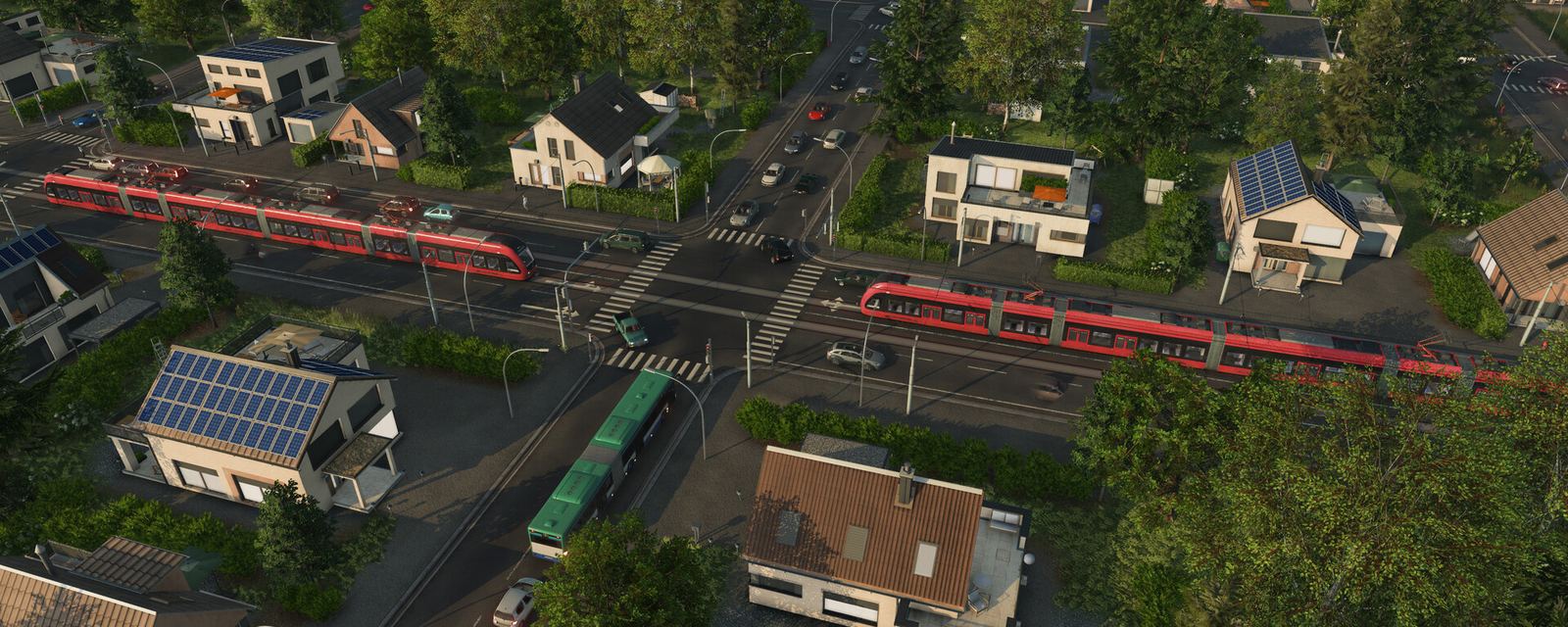
Begin by identifying two places that have a reason to exchange passengers or goods. A line should solve a transport need, not merely connect two visually convenient points; before purchasing vehicles, check station access, expected demand, route length, and the cost of serving each stop. Transport Fever 3's official vehicle catalogue contains more than 300 vehicles, checked on October 10, 2026, but access to a large catalogue does not mean the most expensive or fastest option is right for an early route. Start with a vehicle whose capacity and operating profile match the service, then test whether the line carries enough passengers or cargo to justify expansion. The route planning guide compares alternatives and states the map and settings used for any example.
2

Make the cargo or passenger flow reliable

Once a route exists, check whether the stops can load and unload the correct traffic and whether the line reaches a useful destination. Cargo planning requires particular care because the official Wiki lists 36 cargo items and 32 industries in free game mode, checked on October 10, 2026; raw materials, intermediate products, booster products, and end products have different roles in production chains. An industry may produce without input cargo, while another depends on deliveries from upstream suppliers, so copying a route without checking the industry's inputs and outputs can leave vehicles running empty. The cargo chains guide shows how to read each industry's production information, choose the right station terminals, and verify that the receiving industry or district actually wants the goods.

3

Audit the economics, then expand

When the line begins operating, compare income with vehicle running costs, maintenance, waiting time, and the infrastructure burden created by the route. A station bottleneck, poorly chosen vehicle, low demand, or unnecessary frequency can undermine a service even when the line looks impressive from above. Transport Fever 3's 8 campaign missions, verified on October 10, 2026, provide guided situations for practising the game's systems, while Tycoon Mode asks the player to balance expansion and profitability across a broader network. Before adding a new line, inspect the performance of existing lines and confirm the next investment solves a defined problem. For congestion on a rail line, review station layout and signalling before buying more trains; for controlled experiments with custom layouts, rebuild the scenario in the Map Editor first.

What is Transport Fever 3?

Transport Fever 3 is a transport-management and economic simulation game developed by Urban Games and published by Paradox Interactive. It launched on September 29, 2026, for PC, Mac, and Linux through Steam, Epic Games Store, and GOG, alongside PlayStation 5 and Xbox Series X|S. Players build and operate passenger and freight networks across rail, road, water, and air, balancing service income against infrastructure, vehicle, and maintenance costs. It is closer to an economic network puzzle than to a train-driving game: vehicles are important, but their performance depends on how the full network is designed.

Transport Fever 3 spans transport technology and city environments from 1900 to 2030 and beyond. The official release materials describe more than 300 vehicles β€” including helicopters as a new vehicle type for the series β€” while the official Wiki lists 36 cargo items and 32 industries in free game mode. The named climate environments are Temperate, Dry, Tropical, and Subarctic, and they are not interchangeable visual themes: climate-specific industry availability means a cargo guide must name its map context rather than promise that every chain appears everywhere. Tycoon Mode, Sandbox Mode, the 8-mission Campaign, and the Map Editor serve different needs, and the integrated Mod Browser uses mod.io for cross-platform mod discovery β€” the developer's FAQ explicitly says Steam Workshop is not included.

Explore All Transport Fever 3 Guides
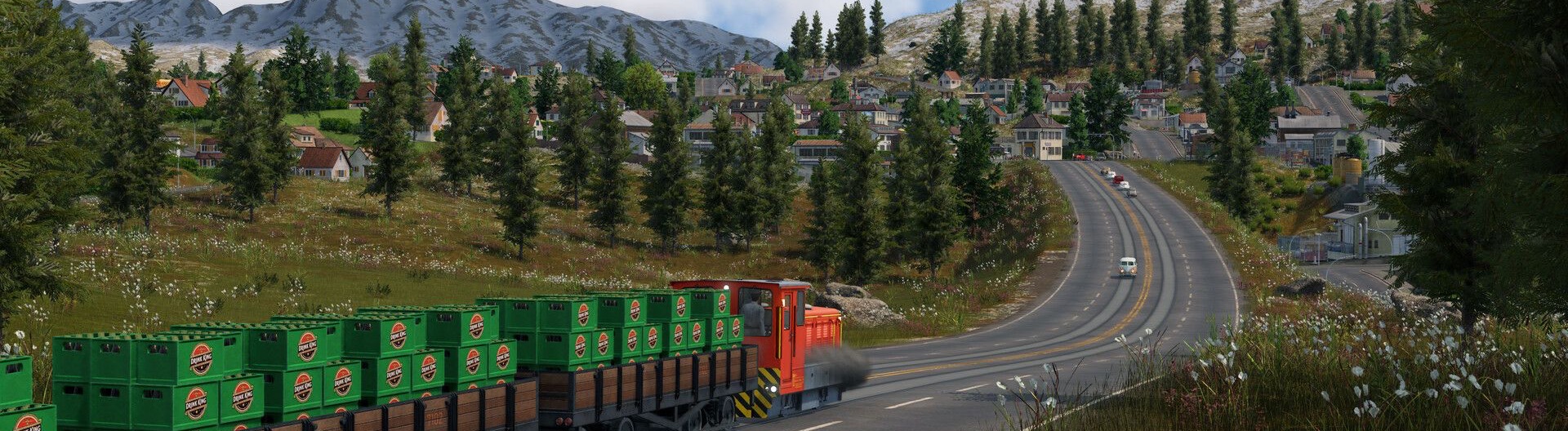
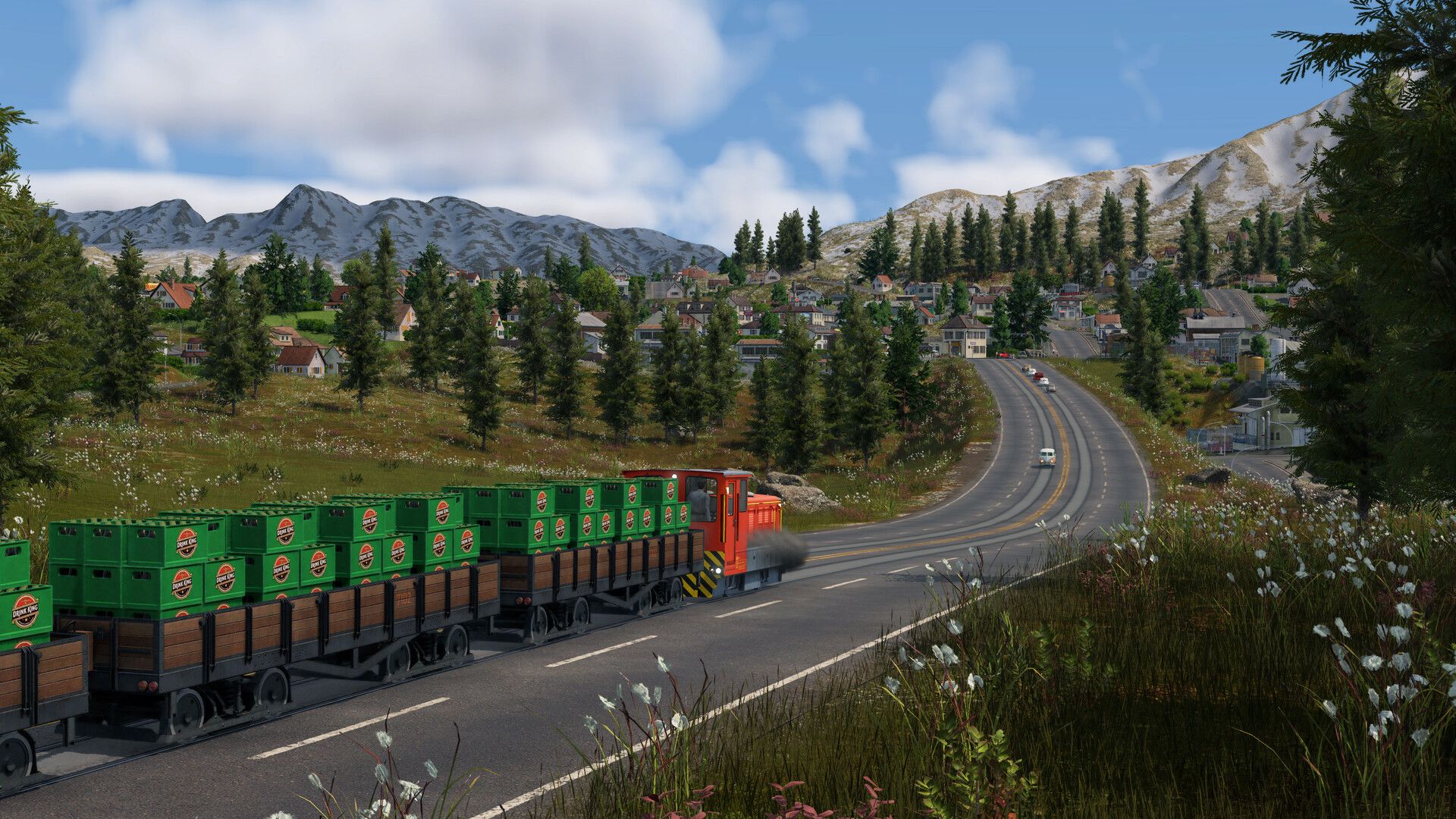
Transport Fever 3 gameplay screenshot: a small red locomotive hauling wagons of green crates along a road through an alpine village

Official screenshot Β© 2026 Urban Games / Paradox Interactive

Developer

Urban Games

Publisher

Paradox Interactive

Platform

PC, Mac, Linux, PlayStation 5, Xbox Series X|S

Genre

Transport management and economic simulation

Vehicles

300+ β€” checked Oct 10, 2026

Cargo Items

36 β€” checked Oct 10, 2026

Campaign Missions

8 β€” checked Oct 10, 2026

Catalogue figures verified against official sources on Oct 10, 2026. Version numbers are platform-specific β€” see the version snapshot above.

Redemption-Code Status β€” No Public Codes Verified

Transport Fever 3 is a paid transport-management game, not a code-driven live-service title. As checked on October 10, 2026, no public redemption-code system or active reward code was verified in the official FAQ, the store page, or official news. This page reports that honestly instead of displaying invented codes or empty reward cards. If the publisher later announces a platform promotion, downloadable bonus, or limited offer, it will be reported under the relevant promotion or edition page and distinguished from an in-game redemption code.

CodeRewardVerification
None verifiedNo public redemption-code system verifiedChecked October 10, 2026

Explore the Transport Fever 3 Guide

Planned and in-progress guides, organized by the problem they solve. Routes go live as each guide is verified.

Transport Fever 3 Mods

How the integrated mod.io browser works across PC and console, manual installs, and launch mods we verified on the official catalogue.

Map Seeds

The official seed rules β€” same seed plus same settings equals the same map β€” with climate notes and seeds players shared in October 2026.

Tips & Tricks

Eight mechanics verified against official sources this month, from the storage rework to climate generators, plus clearly-marked community techniques.

Cargo Types & Industries

All 36 cargo items with manufacturer and consumer columns, specialization classes, and how delivery ratings behave in storage.

Bus Catalogue

All 25 buses with the official stats table: availability years, power, top speed, weight, capacity and load speed.

Trains & Rail

How rail works: track types and their speed limits, electrification, station modules, path signals, and the deadlock patterns that stop trains.

Warehouses & Storage

Catchment areas, storage sections and extensions β€” the storage layer that replaced station side-tracking.

Cargo Not Unloading

The launch month's most reported problem, diagnosed: destinations, warehouses and the checks that get freight moving.

Warehouse Cargo Stuck

Freight piling up in a warehouse with nowhere to go: the five-step diagnosis and the storage differences that cause it.

System Requirements

Official PC, Mac and Linux requirements with checked dates β€” including the mandatory 90 GB SSD install and AVX2 CPUs.

Price & Editions

Official regional prices for Transport Fever 3 Standard and Deluxe β€” every number carries its checked date.

Frequently Asked Questions

Answers checked against the official FAQ, the official Wiki, and the store page on October 10, 2026.

Does Transport Fever 3 have multiplayer?

The official support FAQ describes the development goal as delivering the best single-player experience and says that multiplayer is not currently the development focus. Do not expect co-op or competitive multiplayer unless a later official announcement changes that position.

How many vehicles are in Transport Fever 3?

The official launch announcement and support FAQ describe more than 300 vehicles, checked on October 10, 2026. Vehicle availability and platform-specific content can change with patches and additions, so the detailed vehicle database shows its last verification date rather than presenting the count as an immutable total.

How many cargo items and industries are there?

The official Wiki lists 36 cargo items and 32 industries in free game mode, checked on October 10, 2026. The same Wiki explains that not every item or industry is present on every climate map, so a useful cargo-chain guide identifies its climate and the relevant input and output relationships instead of listing recipes without context.

Where should I install mods, and is Steam Workshop supported?

The official FAQ says Transport Fever 3 uses an integrated Mod Browser based on mod.io to provide a shared destination for supported PC and console platforms. The developer states that Steam Workshop is not included; start with the in-game browser and the official mod.io catalogue, and check platform and build compatibility before following manual-installation instructions.

How many campaign missions are included?

The official support FAQ confirms 8 individual missions, checked on October 10, 2026, and says the initial part of the campaign also functions as a tutorial. Mission walkthroughs are documented separately from open-ended Tycoon Mode tips, because mission-specific constraints may not apply to a free-play map.

Can one station handle both passengers and cargo?

The official Wiki's Stations and Depots manual explains that combined stations are possible by configuring terminals and modules supported by a station type. The correct layout depends on the station construction and the traffic being handled, so confirm that the relevant passenger or cargo terminal is configured before rebuilding an entire line.

Why is a route losing money even when vehicles look full?

A full vehicle is only one signal; income has to cover running and maintenance costs, and the line must serve demand efficiently. Inspect the route's revenue and expenses, stop placement, travel time, transfer arrangements, and vehicle capacity before assuming the game is broken. Community discussions frequently raise signals, city growth, cargo delivery, and vehicle capacity, but confirmed mechanics come from the official Wiki and patch notes, not from anecdotes.

Where can I find the latest stability fixes?

Use the official PC release notes and console release notes on the official Wiki. The Steam stable build listed for October 8, 2026 is 40420, checked on October 10, 2026; because storefront and console rollout timing can differ, every fix on this site states its platform and checked date.

Plan a Better Transport Network

Use the beginner guide to establish your first reliable service, then move into route profitability, cargo chains, vehicle comparisons, campaign walkthroughs, map editing, and mod setup. Every version-sensitive guide shows the platform and the date it was checked.